Why UX laws matter for the products you build?
UX laws are not academic theories; they are practical rules that reflect how people naturally think, behave, and make decisions. When product teams understand these laws, they avoid guesswork, reduce redesign effort, and build intuitive digital experiences.
In this article, we explore the 10 best-practice UX laws, explained in simple terms with real product examples you can use today.
1. Fitts’s Law: Bigger, closer targets are easier to click
Fitts’s Law states that the time to reach a target depends on its size and distance. Users interact faster with large, nearby elements.
Examples:
- “Buy” or “Continue” buttons at the bottom of mobile screens for thumb reach.
- Floating Action Button (FAB) in Gmail.
- Large UI cards on Netflix/TV apps where remote control precision is low.
- Small “close” icons causing mis-taps.
Design takeaway: Make primary actions large, visible, and easy to reach.
2. Hick’s Law: More choices slow down decisions
Too many choices cause hesitation and decision fatigue.

Examples:
- Pricing pages with 3 plans convert better than those with 6+.
- Shopee collapses categories into bundles (e.g., “Electronics” → subcategories).
- Signup split into short steps instead of a single long form.
Design takeaway: Limit choices or group them logically.
3. Miller’s Law: People remember 5–9 things at a time
Humans cannot hold too much information in working memory.
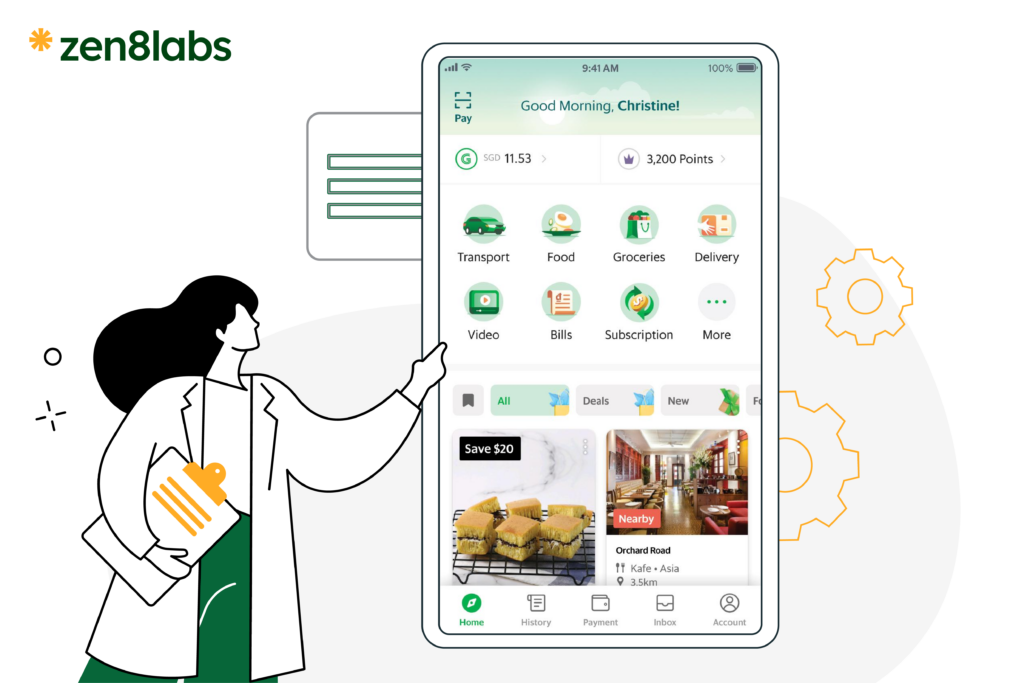
Examples:
- Multi-step checkout flows.
- Breaking onboarding into short sections.
- Navigation grouped into: Home / Explore / Cart / Profile.
Design takeaway: Chunk information into digestible parts.
4. Jakob’s Law: Users expect familiar patterns
People expect products to behave like other apps they already know.
Examples:
- Search = 🔍
- Menu = ☰
- Drag to refresh = ↓
- Profile always lives in the top-right or bottom nav
Design takeaway: Use familiar conventions unless you have a strong reason to break them.
5. Law of Proximity: Things close together feel related
Spacing communicates relationships better than colors or borders.
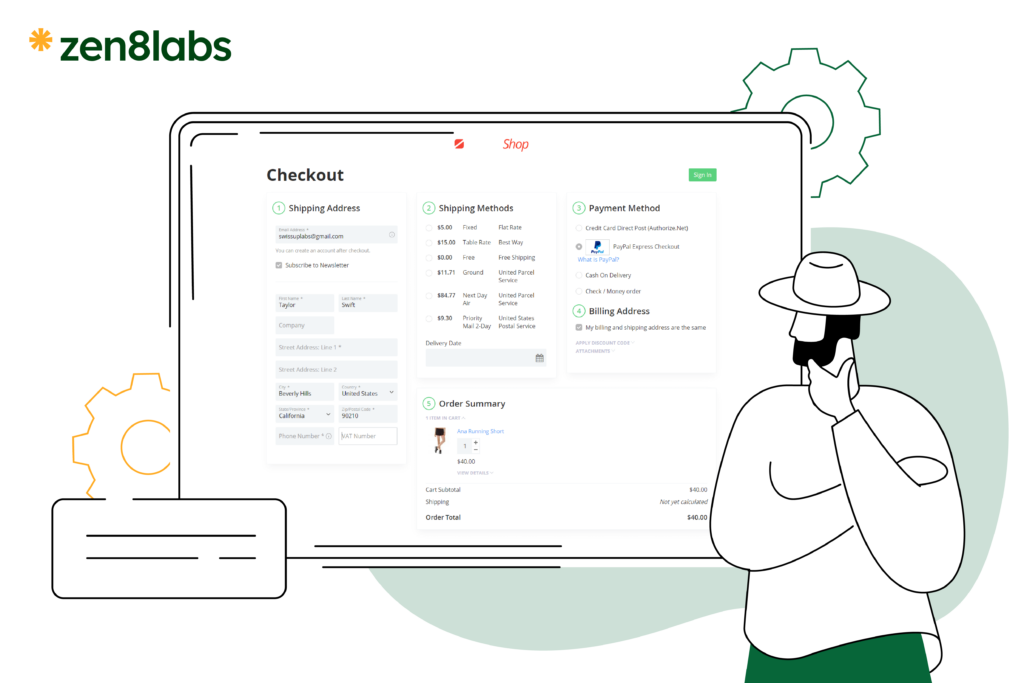
Examples:
- Label close to an input field.
- Grouping delivery info together in checkout.
- Error messages positioned right under the problematic field.
Design takeaway: Use spacing intentionally to show meaning and hierarchy.
6. Tesler’s Law: Complexity must live somewhere
You can’t remove complexity; you can only move it from the user to the system.
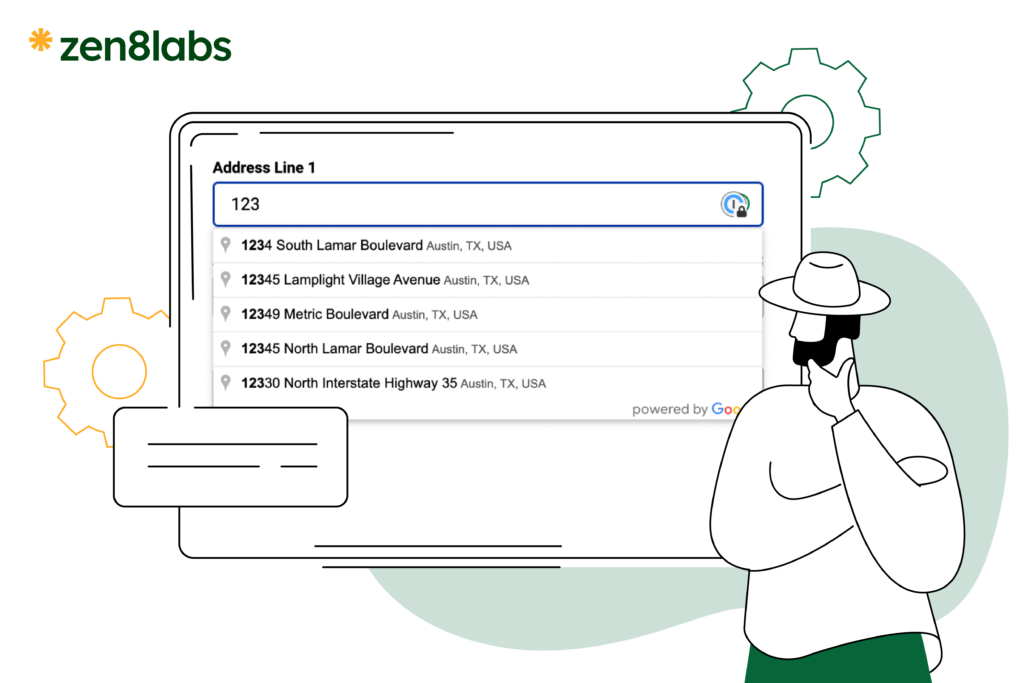
Examples:
- Autofill addresses via Google Maps.
- Auto-detect card type when entering credit card numbers.
- Recommender systems (Netflix, Shopee) reduce user decision load.
Design takeaway: Let the system handle complexity, not the user.
7. Peak-End Rule: People remember peaks and endings
A user’s memory is shaped by the most intense moment and how the experience ends.
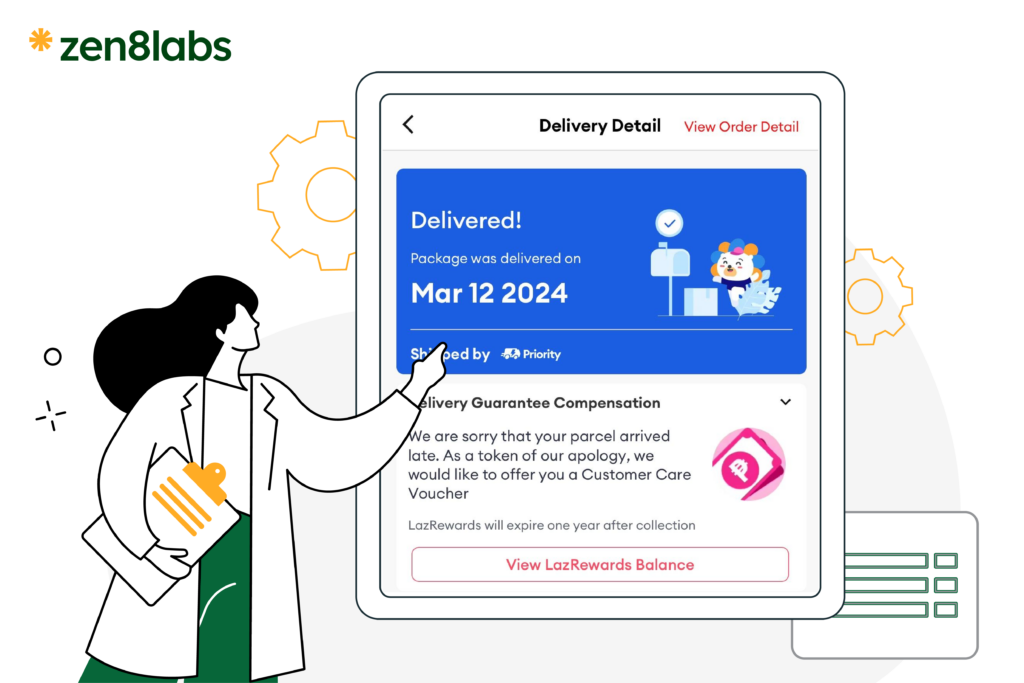
Examples:
- Frustrating delivery overrides a smooth checkout.
- Delightful welcome screen after a long signup creates a positive memory.
- Customer support ending with a fast resolution builds loyalty.
Design takeaway: Optimize emotional peaks and final moments of a user flow.
8. Loading Time / Waiting Time Law: Waiting feels worse than it is
Users dislike uncertainty more than waiting.
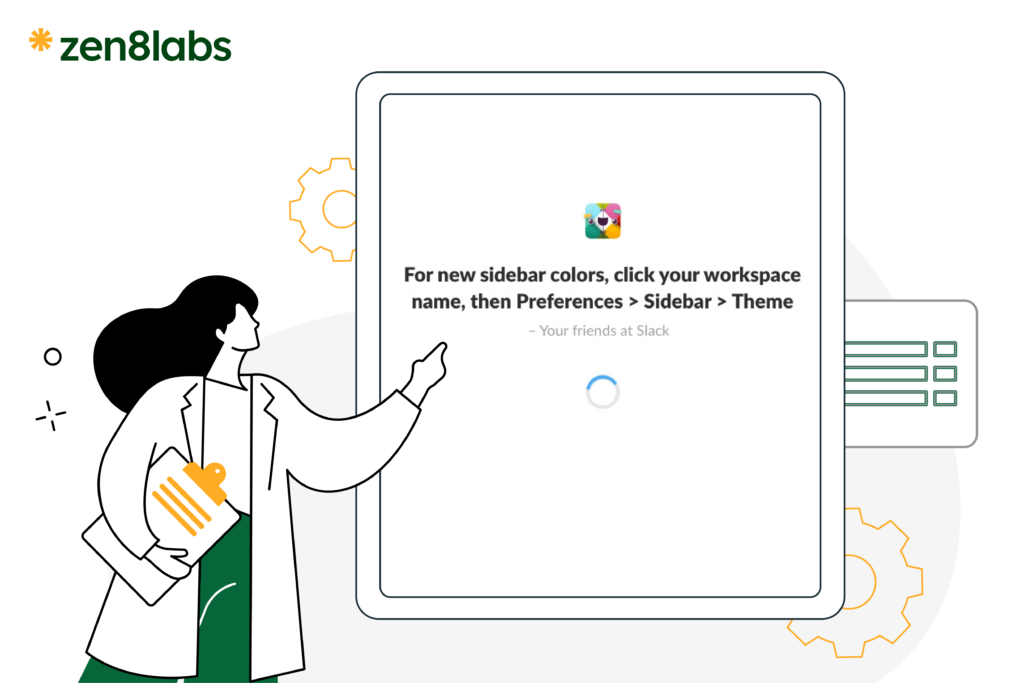
Examples:
- Skeleton screens (Facebook, LinkedIn).
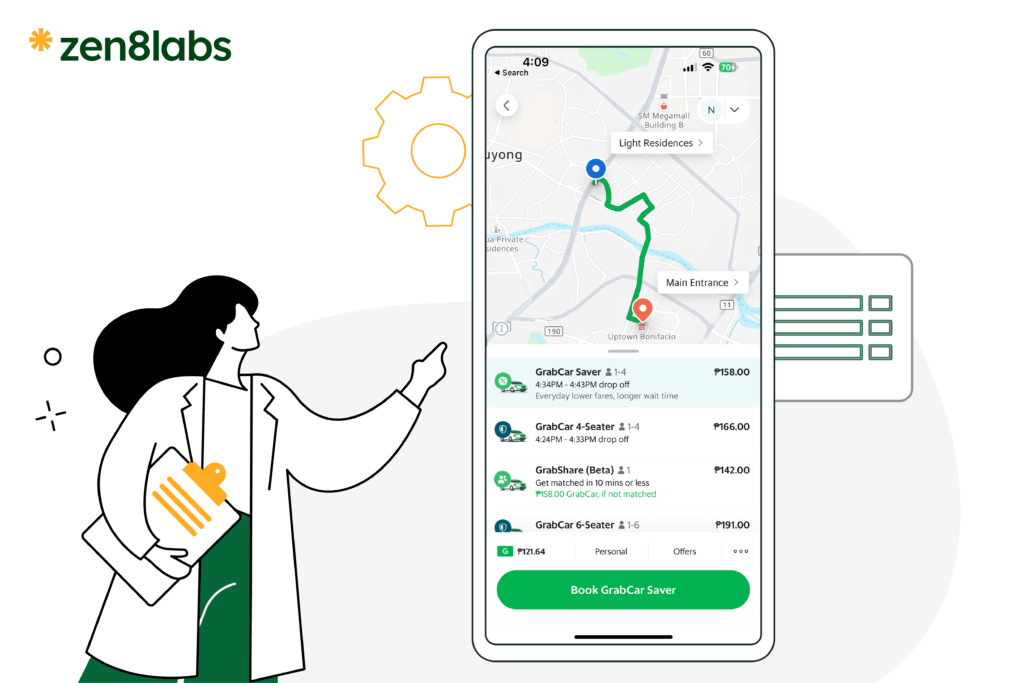
- Grab showing real-time driver movement.
- Progress bars at 70–90% increase user patience.
Design takeaway: Use animations, skeletons, micro-feedback or provide helpful information to reduce perceived wait time.
9. Poka-Yoke (Error Prevention): Prevent mistakes before they happen
Preventing errors is better than fixing them afterward.
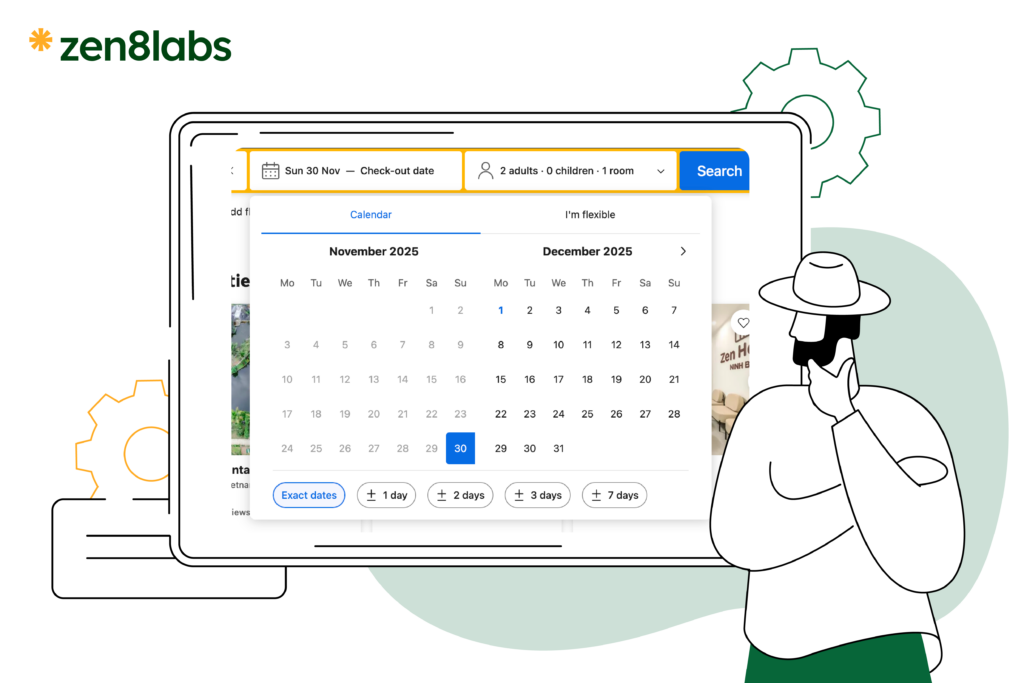
Examples:
- Disable “Submit” until inputs are valid.
- Auto-format phone numbers + credit cards.
- Prevent past dates in booking apps.
- Clear highlight of incorrect fields.
Design takeaway: Guide users away from mistakes.
10. Goal-Gradient Effect: Users speed up when near completion
Progress drives motivation.

Examples:
- Step indicators: Step 4/5 in checkout.
- Loyalty programs are showing progress toward rewards.
- Onboarding checklists with ticks.
Design takeaway: Visual progress boosts task completion.
UX laws aren’t rules to memorize – they’re insights into how people naturally think and behave. When your design aligns with these principles, your product becomes easier to use, more predictable, and more enjoyable.
At zen8labs, every design decision is grounded in UX principles that help products feel intuitive, meaningful, and truly user-first.
If you’re ready to shape a better experience for your users, reach out to zen8labs – we’d love to build it with you.
Tran Tung Kerry, UX/UI Designer
Comment