
Introduction
Adopting a new programming language or framework does not have to be frustrating, but Cursor will make the journey much easier and faster. In this guide, we’ll explore NestJS, a powerful Node.js framework, and show how Cursor can help you learn and build faster.
Why NestJS and using Cursor?
NestJS is built on Node.js and uses TypeScript by default, providing type safety and improved structure. Thus, it is great for building scalable server-side applications because it organizes your code into modules, controllers, and services.
Why use Cursor?
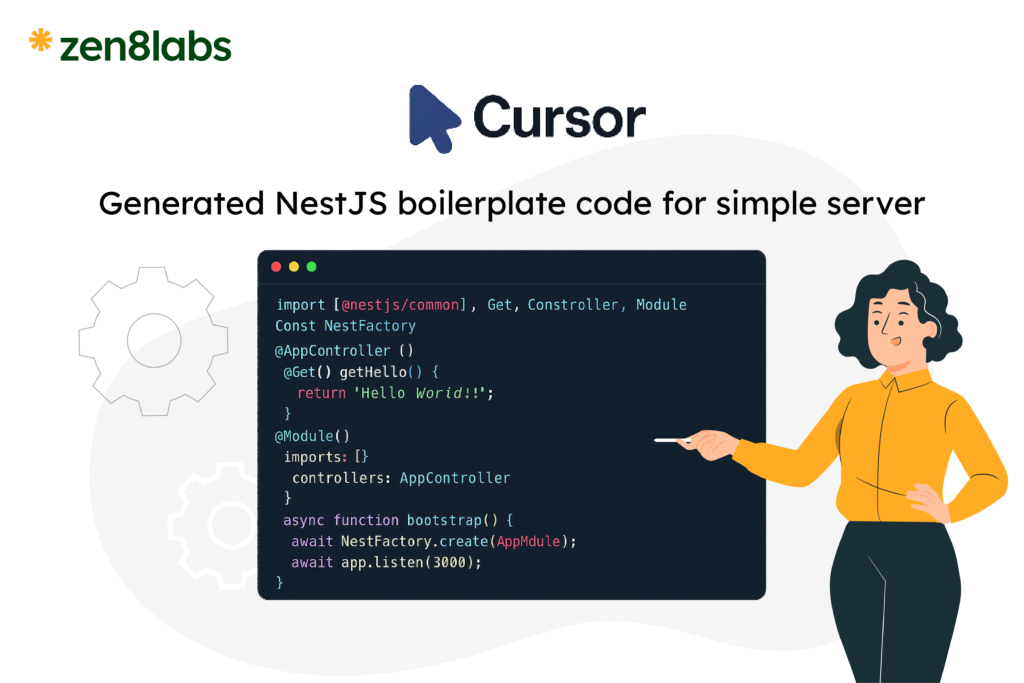
Cursor is an AI-powered editor that helps you:
- Generate boilerplate code quickly.
- Explain NestJS concepts in plain language.
- Debug errors and suggest improvements.
NestJS Request Lifecycle
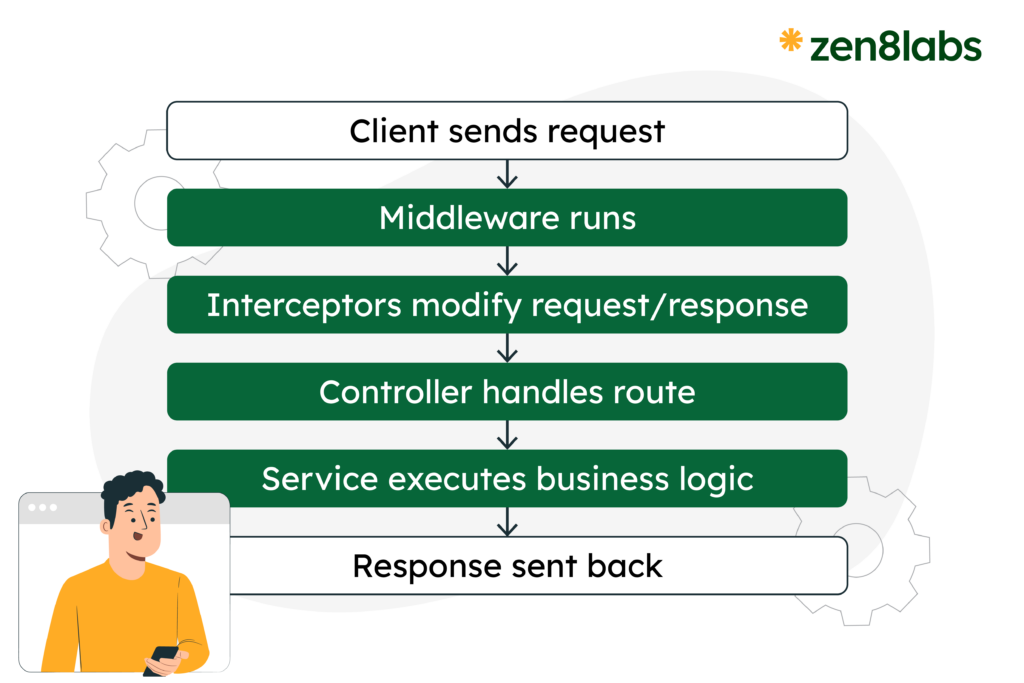
Understanding the lifecycle helps you know where to add features like authentication or logging.
Flow of a Request:
Example: Middleware + Guard + Interceptor
// Middleware
export class LoggerMiddleware {
  use(req, res, next) {
    console.log(`Request: ${req.method} ${req.url}`);
    next();
  }
}
// Guard
@Injectable()
export class AuthGuard implements CanActivate {
  canActivate(context: ExecutionContext): boolean {
    const req = context.switchToHttp().getRequest();
    return req.headers.authorization === 'Bearer token';
  }
}
// Interceptor
@Injectable()
export class TransformInterceptor implements NestInterceptor {
  intercept(context: ExecutionContext, next: CallHandler) {
    return next.handle().pipe(map(data => ({ success: true, data })));
  }
}
Using Prompts Effectively to Learn NestJS
Cursor works best when you provide clear prompts because this gives the AI enough context to generate accurate code, useful explanations, and reliable suggestions. Here are examples:
- Explain a concept
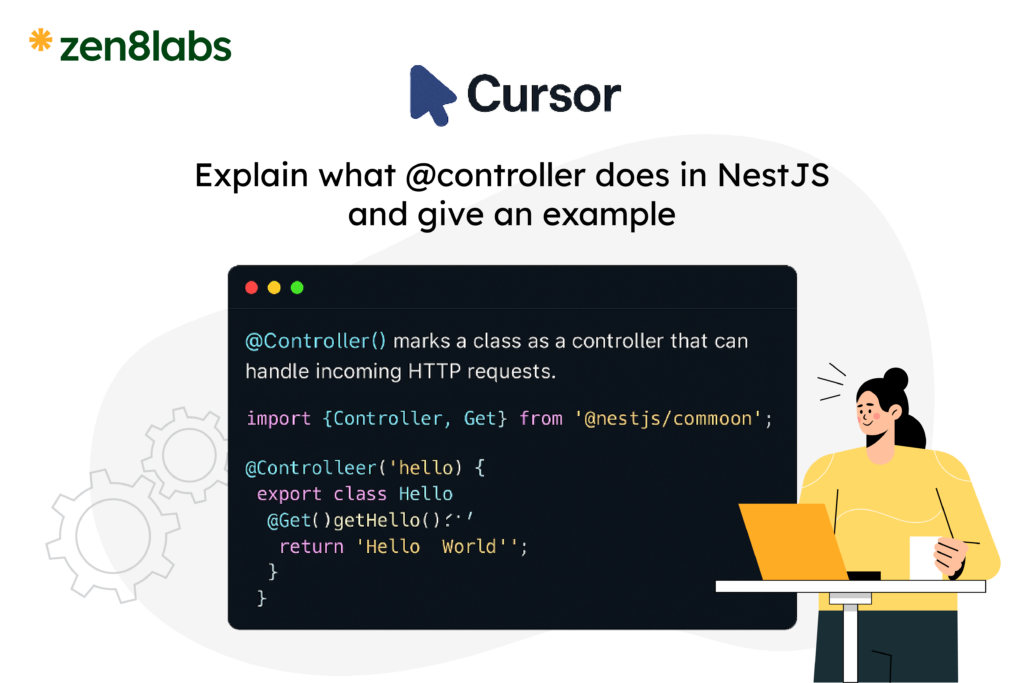
- Explain what
@Controller()does in NestJS and give an example.
- Explain what
- Generate code
- Create a NestJS module named UsersModule with a controller and service.
- Debug
- Fix this NestJS error: Cannot resolve dependency for AppService.
- Lifecycle
- Show the request lifecycle in NestJS with code examples for middleware, guards, and interceptors.
Conclusion
Mastering a new backend framework like NestJS doesn’t have to feel overwhelming. With its opinionated structure, modular design, and TypeScript-first approach, NestJS gives developers a clear path for building scalable and maintainable server-side applications.
When you pair that with the efficiency of tools like Cursor, the learning curve becomes even smoother — allowing you to experiment faster, debug with ease, and adopt best practices from day one. And if you ever need expert guidance, the team at zen8labs is always ready to support you in bringing your next idea to life.
Hien Nguy, Software engineer